Groovy Log Tab
Journey Manager (JM) The transaction engine for the platform. | System Manager / DevOps | 22.04 This feature was introduced in 22.04.
The Groovy Log tab presents Groovy service output messages for a selected transaction which can be useful for troubleshooting.
The Operations portal implements a "hide empty" policy on UI elements when no information is available for them.
- Each card is hidden if all of the fields it contains are empty.
- The Groovy Log tab is hidden if all of its cards are hidden.
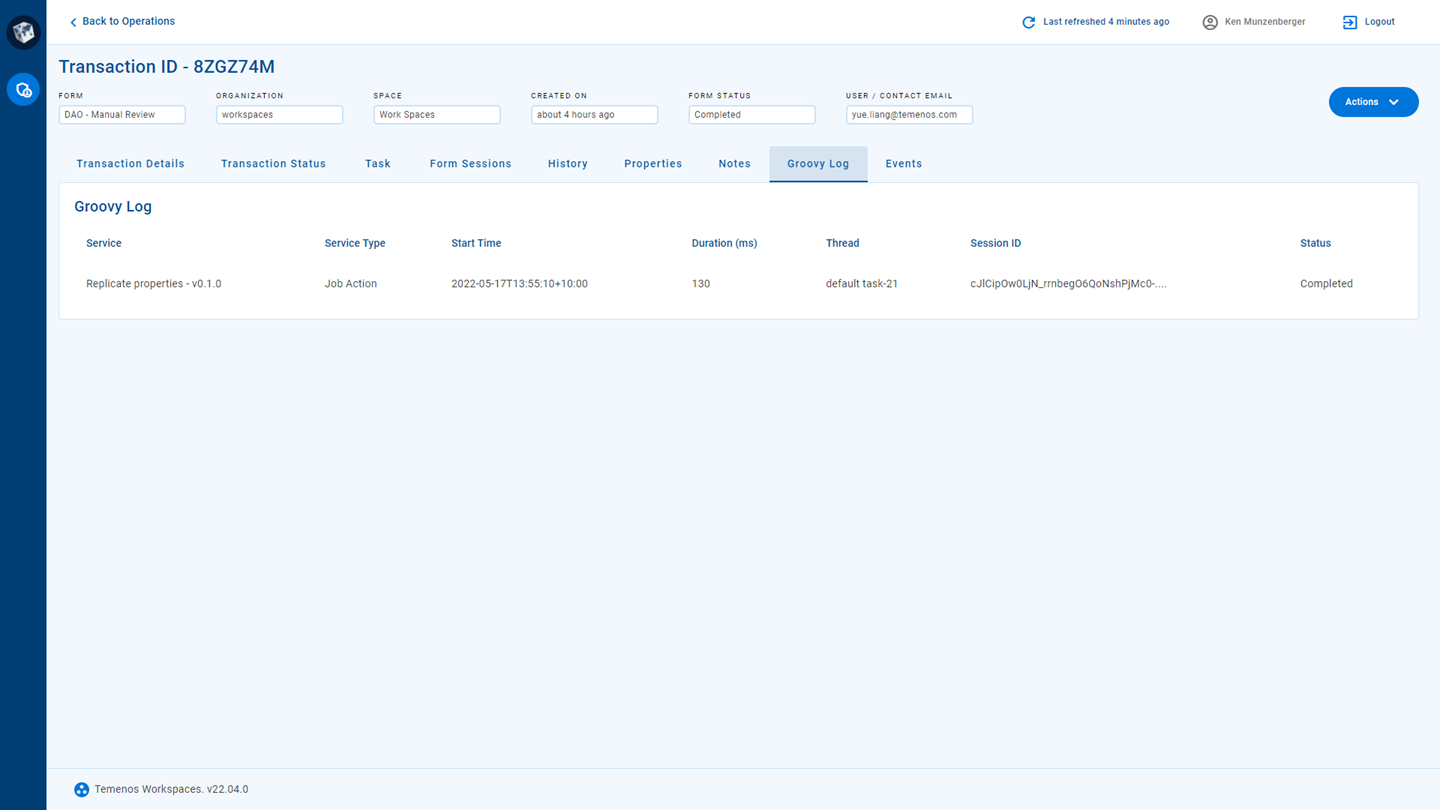
The Groovy Log tab contains a list of items where each item represents the execution of a Groovy script that implements a service associated with a form. The following information is displayed for each item.
- Service
- Service Type
- Start Time
- Duration (ms)
- Thread
- Session ID
- Status
A Groovy script may be executed for a form more than once. If this happens, a separate item appears in the list for each time the script has been executed.
Similar information is available in the Journey Manager console on the Transaction Details page, Groovy Log tab.