Transaction Events Tab
Journey Manager (JM) The transaction engine for the platform. | System Manager / DevOps | 22.04 This feature was introduced in 22.04.
The Transaction Events tab displays a read-only view of all events logged against a selected transaction.
The Operations portal implements a "hide empty" policy on UI elements when no information is available for them.
- Each card is hidden if all of the fields it contains are empty.
- The Events tab is hidden if all of its cards are hidden.
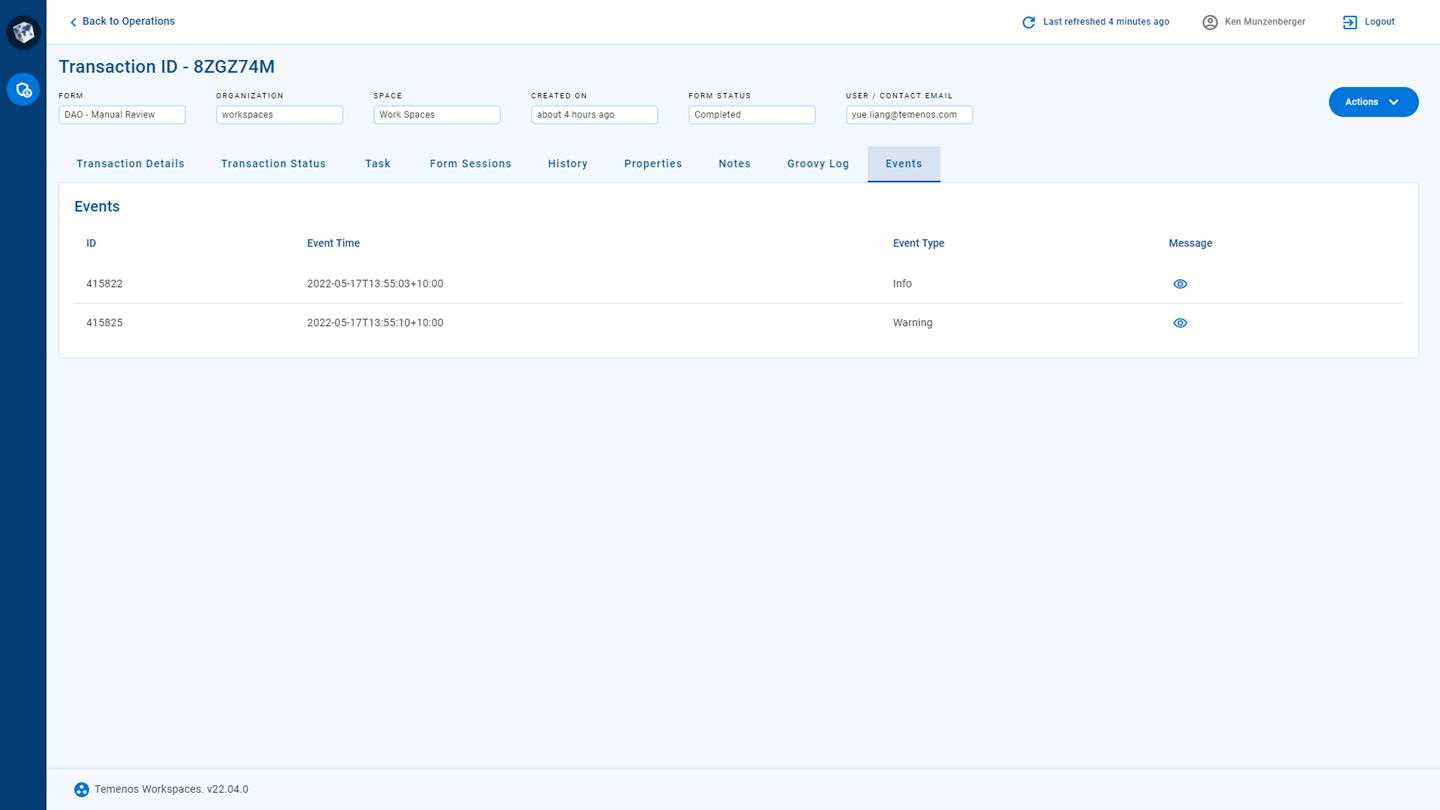
The Events tab contains a table with the list of events, displaying the following information for each event.
- ID
- Event Time
- Event Type
- : Click the
 (
)
icon to display the event text in a modal dialog.
(
)
icon to display the event text in a modal dialog.